Deutsch
 Français
 Italiano
 Español
 USD
USD GBP
GBP
VESA Standards Explained: MIS-D, MIS-E & MIS-F
Are you looking for the right mount for your monitor or TV? Whether it's a desk mount for the home office or a sturdy TV wall mount for the living room – we break down the official VESA classifications (FDMI) technically so you know exactly what fits.
📑 Table of Contents (Navigation)
What does FDMI mean?
The official name of the standard is VESA FDMI (Flat Display Mounting Interface). The abbreviation VESA (Video Electronics Standards Association) refers to the organization that sets these standards. To avoid confusion caused by numbers alone, VESA divides mounts into letter classes (MIS = Mounting Interface Standard). This ensures that not only the hole spacing but also the load-bearing capacity of the screws is guaranteed.
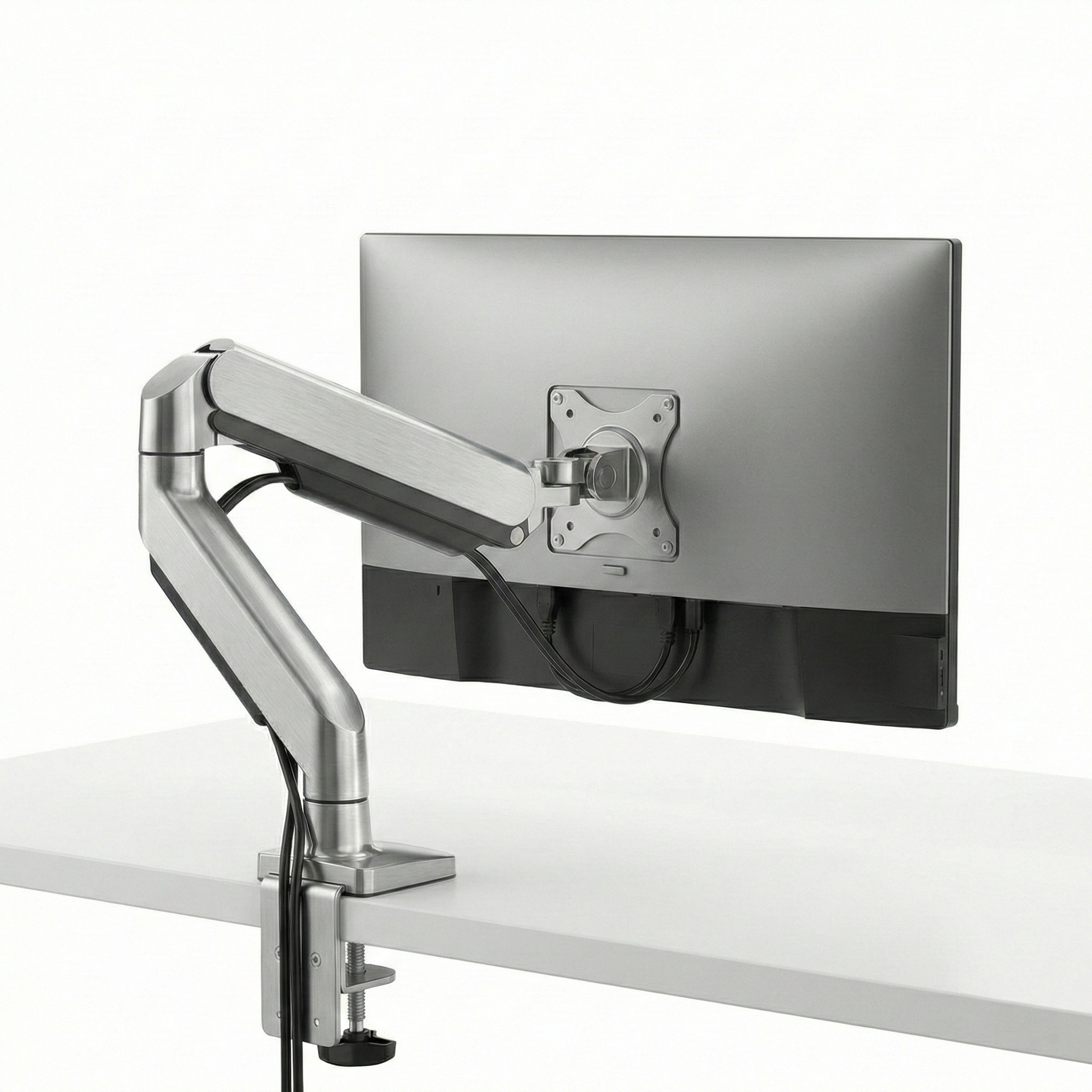
VESA MIS-D (Small)
This is the most common standard for classic desk monitors and small TVs. Almost every desk monitor mount for the home office uses this format.
- Hole pattern: Square
- Dimensions: 75 x 75 mm or 100 x 100 mm
- Screws: M4 thread
- Typical Diagonal: 12 to 24 inches
VESA MIS-E (Medium)
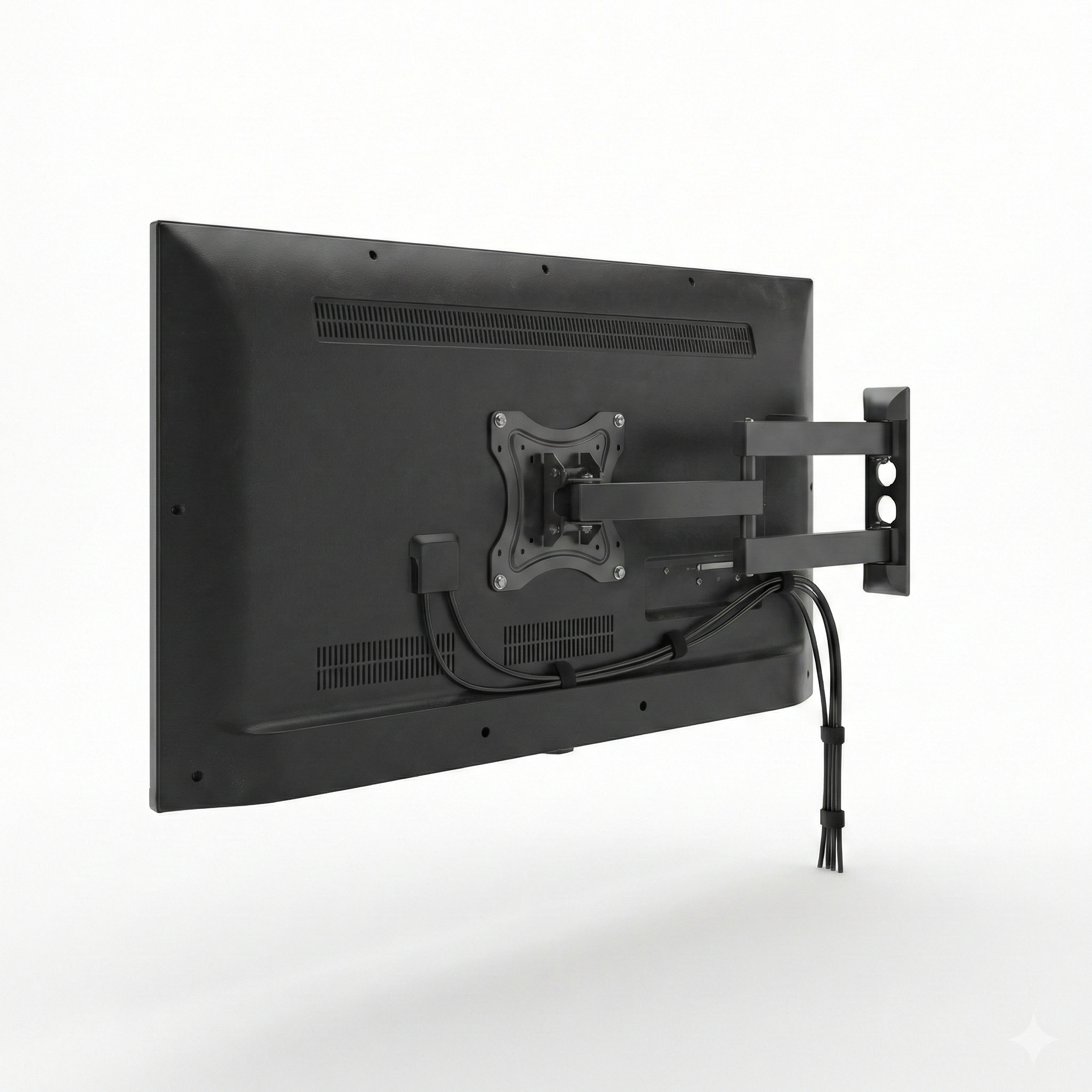
You will often find this standard on slightly larger, older monitors or medium-sized TV sets. It is not square, but rectangular. Pay close attention to the measurement here, as it is often confused with 100x100.
- Hole pattern: Rectangular
- Dimensions: 200 x 100 mm
- Screws: M4 thread
- Typical Diagonal: 23 to 31 inches
VESA MIS-F (Large)
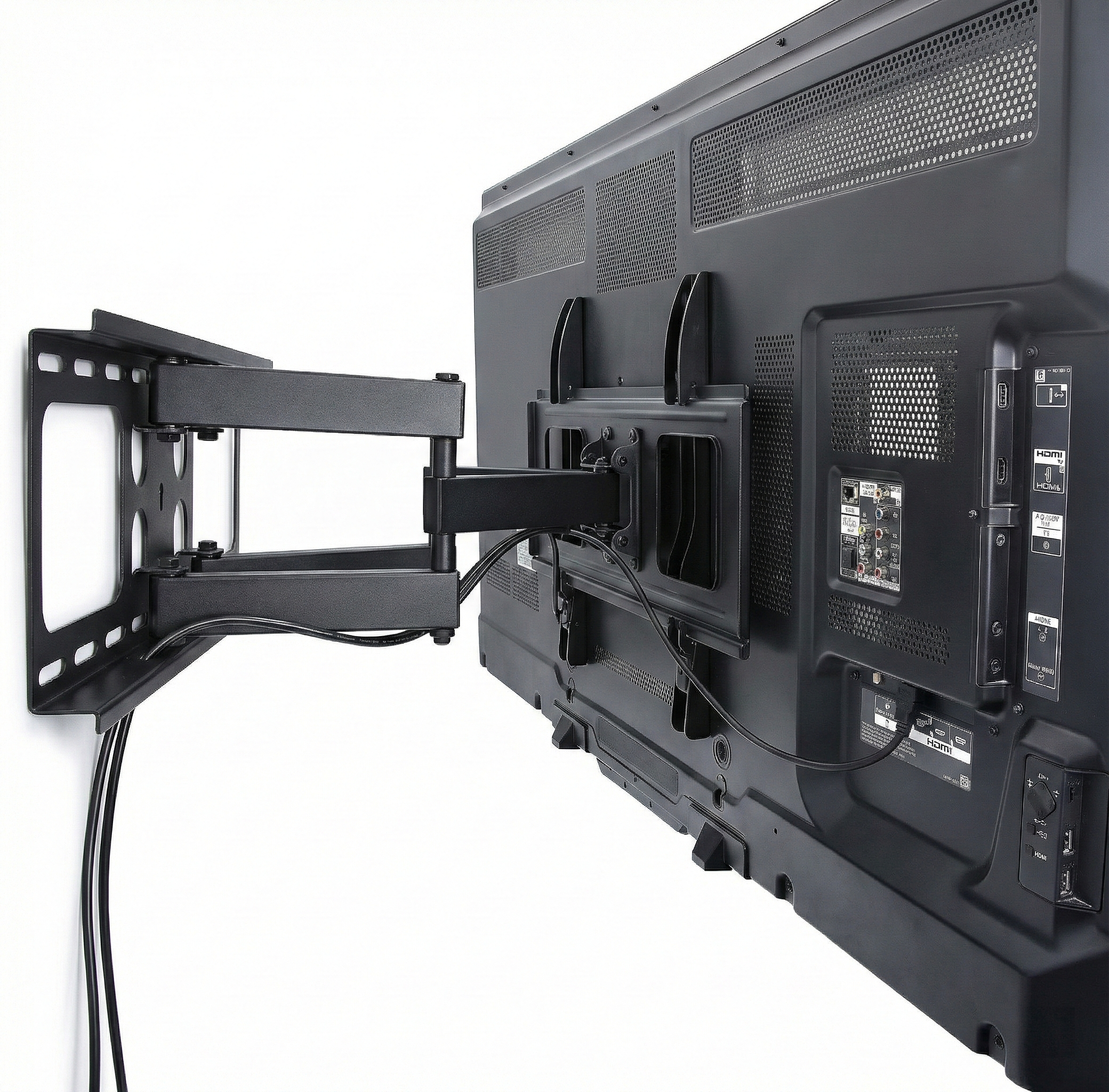
For all large screens from 31 inches upwards. Here the spacing varies in 200mm increments. The screws are significantly thicker to securely hold the heavy weight of flat-screen TVs on the wall.
- Hole pattern: Variable (square or rectangle)
- Dimensions: 200x200 to 800x600 mm (in 200mm increments)
- Screws: M6 or M8 thread
- Typical Diagonal: > 31 inches
⚠️ Special Cases: Brands without VESA Standard
Many popular design monitors and all-in-one PCs have no VESA holes on the back. For these models, we develop specific adapters that click into the stand slot, creating a VESA mount (75x75).
Many gaming monitors have a recessed VESA mount. If your mounting plate is too large, use spacers (standoffs) and longer screws. These are usually included with our mounts.
Important before buying: Wall & Desk Condition
Not only the VESA standard counts, but also the surface. Whether it's a wall or a desk: The mount must sit securely.
1. Concrete & Solid Brick (Wall)
Here you can mount almost any bracket. Use the standard dowels supplied. These walls also carry heavy swivel arms without any problems.
2. Drywall / Plasterboard (Wall)
Cavity walls are the ultimate challenge. Normal dowels break out. You absolutely must find the studs or use special toggle bolts. We recommend flat mounts here.
3. Desk (Clamp & Grommet)
For a desk monitor mount, the thickness of the tabletop is decisive (mostly 1-8 cm).
Attention with cardboard honeycomb tables: Many cheap desks are hollow inside (honeycomb structure). A strong gas spring clamp can crush the top. Be sure to use a reinforcement plate or rely on solid wood/chipboard.
- ✏️ Pencil for marking
- 📏 Tape measure & spirit level
- drill Drill (for wall)
- 🔧 Screwdriver & wrench
- 👀 Second person (for TV > 40 inches)
Tip: Many of our mounts have an integrated mini spirit level.
Theoretically, these standards exist for very small displays (handhelds, tablets) under 12 inches, but play practically no role in the world of monitor and TV mounts. You will almost always need MIS-D or higher.
All VESA classes compared directly
Use this table to assign your measured hole spacing to the correct VESA designation.
| Designation | Hole Spacing (mm) | Screw | Screen Size (approx.) |
|---|---|---|---|
| VESA MIS-D 75 | 75 x 75 | M4 | 12" - 23" |
| VESA MIS-D 100 | 100 x 100 | M4 | 12" - 24" |
| VESA MIS-E | 200 x 100 | M4 | 23" - 31" |
| VESA MIS-F 200 | 200 x 200 | M6 | from 31" |
| VESA MIS-F 400 | 400 x 400, 400 x 200 | M6 / M8 | from 31" |
| VESA MIS-F 600+ | 600 x 400, 800 x 600 | M8 | Large TVs |
Frequently Asked Questions about VESA Standards
Your cart