Deutsch
 Français
 Italiano
 Español
 USD
USD GBP
GBPThe „No VESA“ Problem Solved: How to Make Any Monitor Compatible
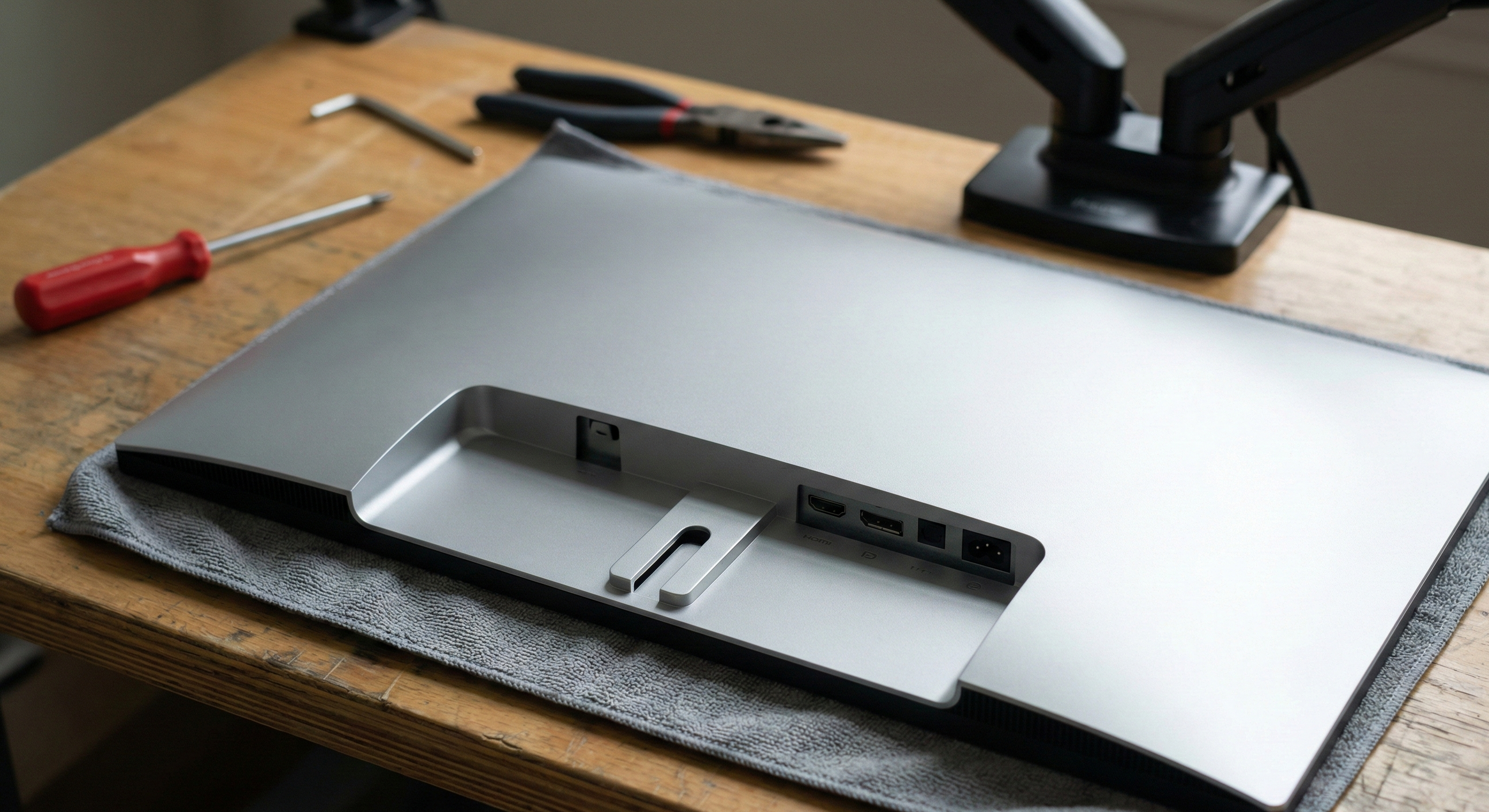
You have the perfect monitor, but it has no screw holes on the back? Many customers think they made a bad purchase. In this article, we show you why manufacturers like HP or Apple omit VESA and how you can make any screen compatible with a simple adapter to mount it on a monitor arm or a wall mount – without any drilling into the housing.
Key takeaways:
- The Problem: Many modern monitors (slim design) lack VESA holes for optical or cost reasons.
- The Solution: Model-specific VESA adapters use the original mounting points of the stand.
- No Drilling: Our adapters simply click or screw in – without damaging the monitor.
- Safety: Thanks to reinforced designs, the adapters hold just as securely as a native VESA connection.
📑 Table of Contents (Navigation)
1. Why manufacturers like HP, Apple, or Xiaomi omit VESA
The VESA standard (usually 75x75mm or 100x100mm) is actually the norm. However, we see customers every day who desperately realize their new monitor has a smooth back. This usually has three reasons:
Especially with lifestyle monitors (e.g., HP M-Series), holes disturb the aesthetics. The back should look just as "clean" as the front.
Modern displays are often only a few millimeters thick. The housing simply lacks the space for the metal thread needed to hold screws securely.
Budget models often cut costs. A simple click-stand is cheaper to produce than an integrated, reinforced VESA plate.
2. The Solution: VESA Adapter instead of a new monitor
The good news: You don't have to return the monitor. A VESA adapter retrofits the missing interface. It acts as an intelligent bridge between your monitor's specific connection and the universal monitor arm.
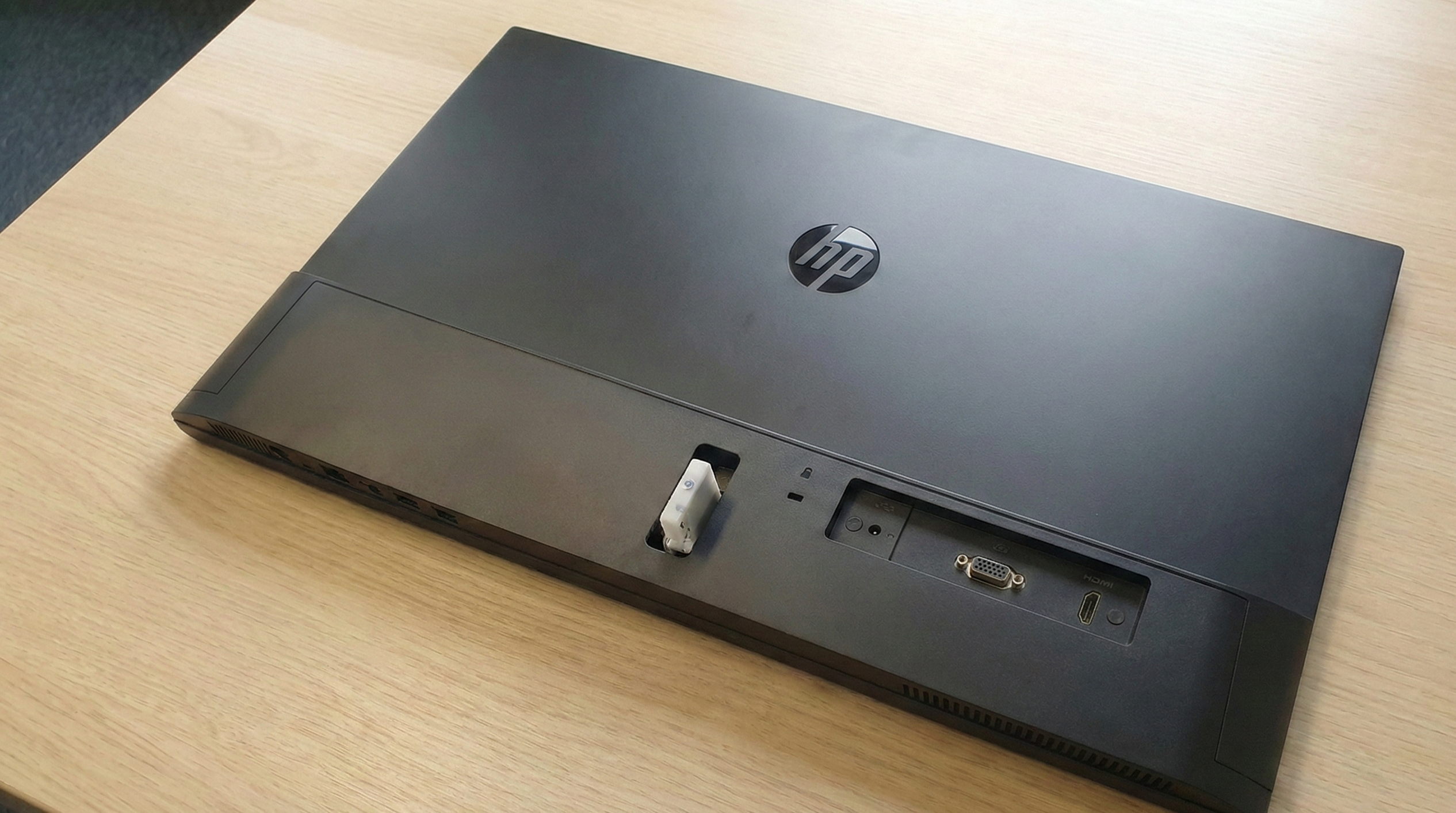
No holes available. Universal clamp solutions ("spider adapters") often look ugly, cover buttons, or aren't stable.
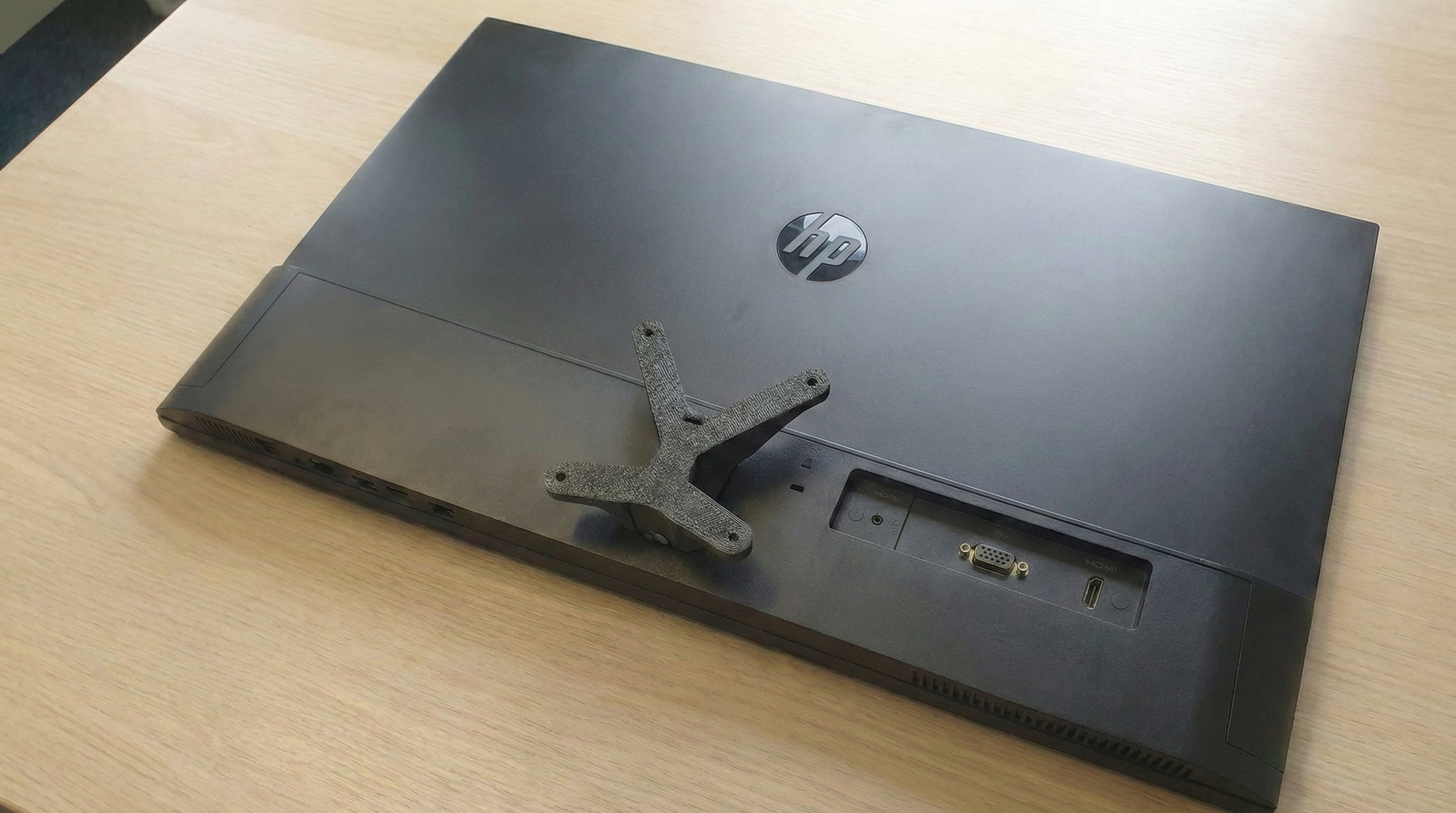
A model-specific adapter clicks in exactly where the stand was. Invisible integration and 100% secure hold.
Whether you own an HP Monitor of the M-Series (like M24f, M27f) or a Curved Monitor from Samsung or Xiaomi – for almost every model without VESA holes, there is a solution. Our adapters are developed specifically for each series and fit exactly into the slot where the stand usually sits.
💡 Pro-Tip: Finding the right adapter
Pay close attention to the model number of your monitor (usually on a sticker on the back, e.g., "HP 24fw"). Even a single letter difference can mean the connection is shaped differently. Use our search to be sure.
3. Which VESA standard does my adapter use?
Our adapters usually retrofit the VESA 75x75mm standard. This is the most common size for monitors up to 32 inches. Since almost all monitor mounts support both 75x75 and 100x100mm, you don't have to worry about compatibility.
However, the weight is important: Check before buying if your monitor arm can carry the weight of the screen (without stand) plus the weight of the adapter.
Worried about wobbly mounts? Rightly so with Universal Clamp Adapters. We do it differently: We use the manufacturer's physics. Our adapters snap directly into the reinforced original mounting point of the monitor. Thanks to steel cores or industrial PLA, it holds rock solid – just like the original stand.
Find your adapter now


Frequently Asked Questions about VESA Adapters
Conclusion
Don't throw away your monitor just because the holes are missing. With the right adapter, almost any screen becomes compatible – secure, stable, and sustainable.
Find matching adapter now ›Already have an adapter? Click here for monitor arms.