We deliver all over europe
  • Business customer?
  • info@vesa-adapter.com
  • en en
    de Deutsch fr Français it Italiano es Español
  • EUR EUR
    USD USD GBP GBP
  • Register or Sign in
vesa-adapter.com
vesa-adapter.com
  • Monitor Mounts
    • Desk Mounts
    • Wall Mounts
    • Monitor Stands
    • Accessories
  • TV Mounts
    • TV Ceiling Mounts
    • TV Stands & Floor Stands
    • TV Wall Mounts
  • VESA Adapters
    • Acer
    • AOC
    • ASUS
    • BenQ
    • CSL
    • DELL
    • HP
    • HP Omen
    • Huawei
    • Koorui
    • Lenovo
    • LC-Power
    • MSI
    • ODYS
    • Philips
    • Samsung
    • Viewsonic
    • Xiaomi
  • VESA Extensions
    • VESA Adapter Plates
    • VESA Spacers
    • Height Adjustable VESA Adapters
  • Device Mounts
    • Camera Mounts
    • PC Mounts
    • Soundbar Mounts
  • Accessories
    • Screen Cleaners
    • Cable Management
    • Screws & Mounting Sets
    • Extension Arms
  • Ergonomics Guide
    • 1. Introduction to ergonomics
    • Ergonomics in the workplace
    • 2. Technology and ergonomics
    • VESA Standard
    • Inches to CM Converter & TV Size Chart
    • All VESA standards
    • VESA monitor mount
    • Identify VESA standard
    • VESA Adapter for gaming
    • 3. FAQ
    • FAQ about VESA standard
    • Der große TV-Halterung FAQ-Guide
    • 4. VESA adapter
    • VESA adapter Acer
    • VESA adapter AOC
    • VESA adapter ASUS
    • VESA adapter BenQ
    • VESA adapter CSL
    • VESA adapter DELL
    • VESA adapter HP
    • VESA adapter Odys
    • VESA adapter LC-Power
    • VESA adapter HP Omen
    • VESA adapter HUAWEI
    • VESA adapter Koorui
    • VESA adapter Lenovo
    • VESA adapter MSI
    • VESA adapter Philips
    • VESA adapter Samsung
    • VESA adapter Viewsonic / Medion
    • 5. News
    • VESA for ODYS Q27 und Q27 Pro Monitor
    • VESA for LC-Power LC-M27 monitor
    • 6. Wissen & Technik
    • Focus on monitor mounts: Mechanics, assembly, and stability
    • test-testbericht
    • Samsung Odyssey G6 - G9: Der ultimative VESA Setup-Guide
    • Single Monitor Desk Mount Comparison
    • Monitor Mount for 2 Monitors comparison (Desktop Mount)
    • The perfect home office setup
    • VESA Adapters for every Monitor
    • Ultrawide & Curved Monitore sicher montieren: Der
    • Securely mounting a TV wall mount
    • Top 3 flat TV wall mounts
    • TV Halterung im Wohnmobil
  • en en
    de Deutsch fr Francais it Italiano es Español
  • EUR EUR
    USD USD GBP GBP
  • Monitor Mounts
    Desk Mounts
    Wall Mounts
    Monitor Stands
    Accessories
  • TV Mounts
    TV Ceiling Mounts
    TV Stands & Floor Stands
    TV Wall Mounts
  • VESA Adapters
    Acer AOC ASUS BenQ CSL
    DELL HP HP Omen Huawei Koorui
    Lenovo LC-Power MSI ODYS Philips
    Samsung Viewsonic Xiaomi
  • VESA Extensions
    VESA Adapter Plates
    VESA Spacers
    Height Adjustable VESA Adapters
  • Device Mounts
    Camera Mounts
    PC Mounts
    Soundbar Mounts
  • Accessories
    Screen Cleaners
    Cable Management
    Screws & Mounting Sets
    Extension Arms
  • Ergonomics Guide
    1. Introduction to ergonomics
    • Ergonomics in the workplace
    2. Technology and ergonomics
    • VESA Standard
    • Inches to CM Converter & TV Size Chart
    • All VESA standards
    • VESA monitor mount
    • Identify VESA standard
    • VESA Adapter for gaming
    3. FAQ
    • FAQ about VESA standard
    • Der große TV-Halterung FAQ-Guide
    4. VESA adapter
    • VESA adapter Acer
    • VESA adapter AOC
    • VESA adapter ASUS
    • VESA adapter BenQ
    • VESA adapter CSL
    • VESA adapter DELL
    • VESA adapter HP
    • VESA adapter Odys
    • VESA adapter LC-Power
    • VESA adapter HP Omen
    • VESA adapter HUAWEI
    • VESA adapter Koorui
    • VESA adapter Lenovo
    • VESA adapter MSI
    • VESA adapter Philips
    • VESA adapter Samsung
    • VESA adapter Viewsonic / Medion
    5. News
    • VESA for ODYS Q27 und Q27 Pro Monitor
    • VESA for LC-Power LC-M27 monitor
    6. Wissen & Technik
    • Focus on monitor mounts: Mechanics, assembly, and stability
    • test-testbericht
    • Samsung Odyssey G6 - G9: Der ultimative VESA Setup-Guide
    • Single Monitor Desk Mount Comparison
    • Monitor Mount for 2 Monitors comparison (Desktop Mount)
    • The perfect home office setup
    • VESA Adapters for every Monitor
    • Ultrawide & Curved Monitore sicher montieren: Der
    • Securely mounting a TV wall mount
    • Top 3 flat TV wall mounts
    • TV Halterung im Wohnmobil
Business customer?
Business customer?
  1. Home
  2. Samsung Odyssey G6 - G9: Der ultimative VESA Setup-Guide
vesa-adapter.com GUIDE

Samsung Odyssey G6, G7, G8 & G9: The Right Setup

📅 Status: April 10, 2026 ✍️ Editorial: Julius E. ⏱️ Reading time: approx. 3 Min.

Many Samsung Odyssey series lack a VESA standard out of the box and cannot be mounted directly to monitor arms. Combined with high weight and extreme 1000R curvature (leverage effect), this places high demands on mounting. The solution is the right combination of a precise VESA adapter (Step 1) and a capable Heavy-Duty mount (Step 2).

1

Identify your monitor type

Choose your model to find the matching adapter.
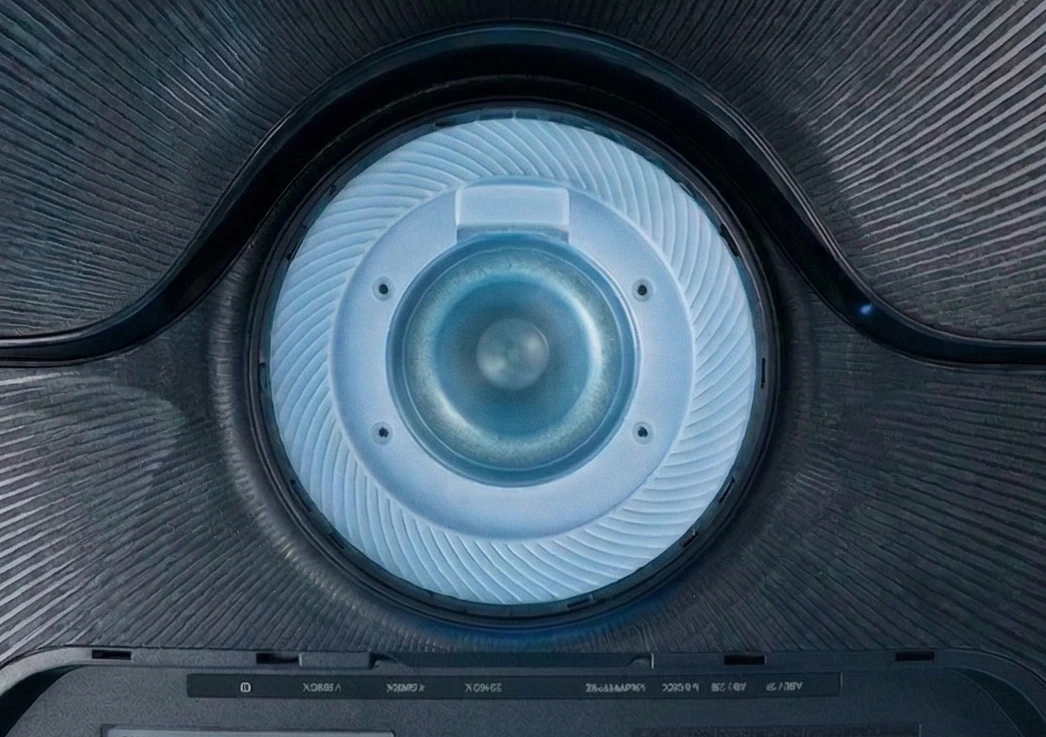
Samsung OLED G9 ⚠ ADAPTER REQUIRED
OLED G9 / G8 Series
VESA: No standard
Choose Adapter >
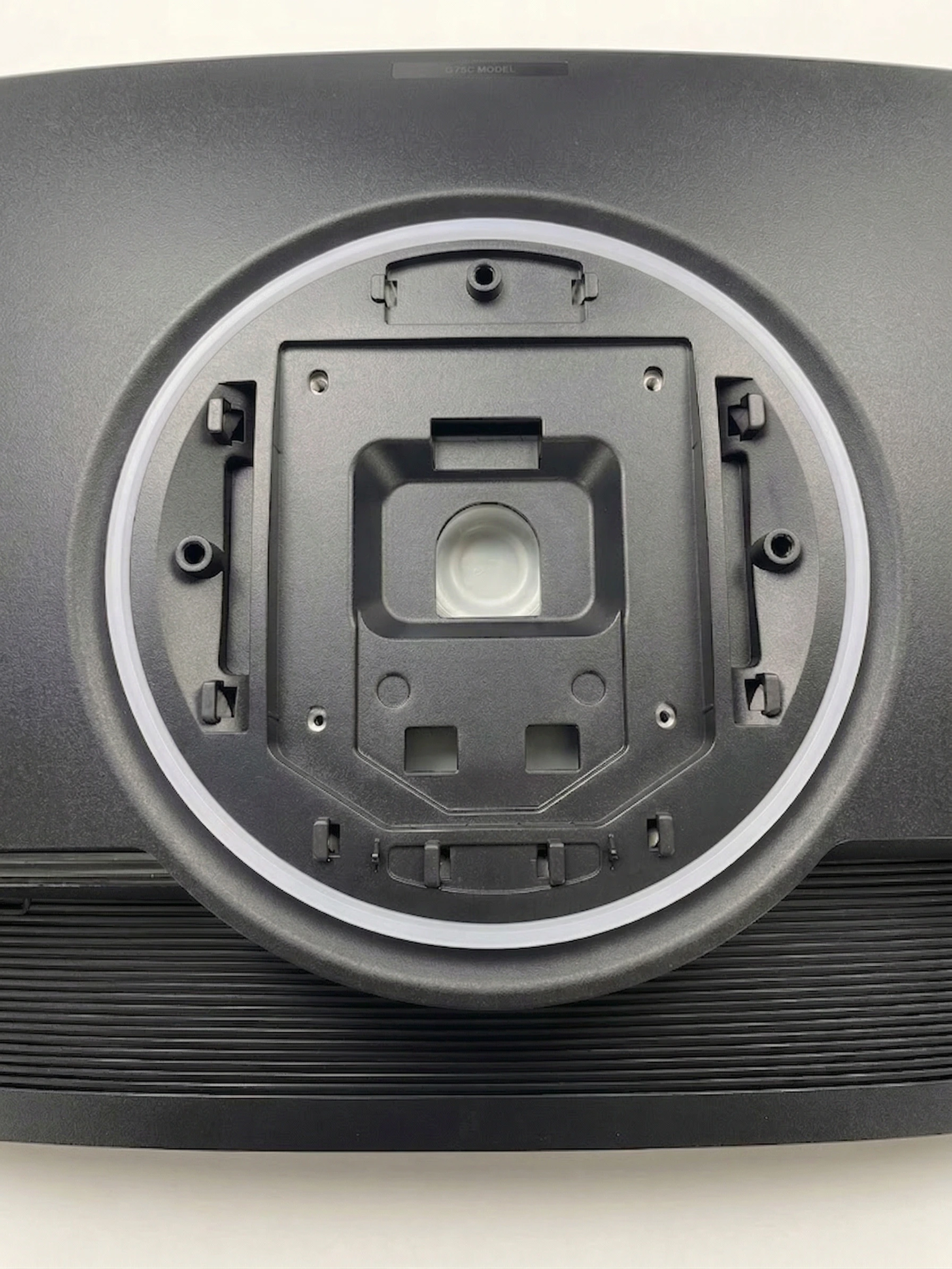
Samsung G7 G6 ⚠ ADAPTER REQUIRED
G6, G7 & CRG Series
VESA: No standard
Choose Adapter >
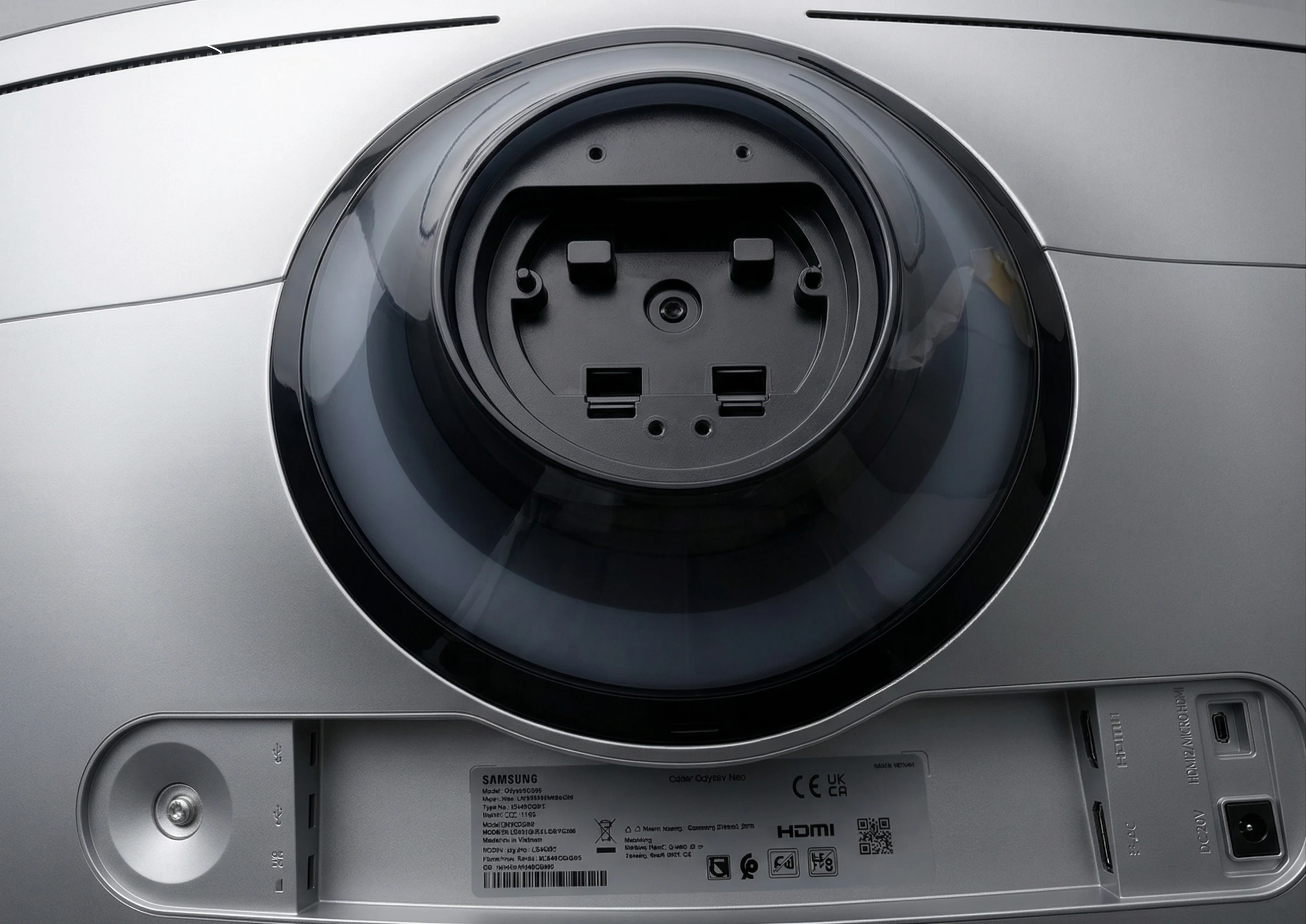
Samsung Neo G9 ✔ ADAPTER-FREE
Neo G9 / G95C Series
VESA: 100x100
Go to Mounts >
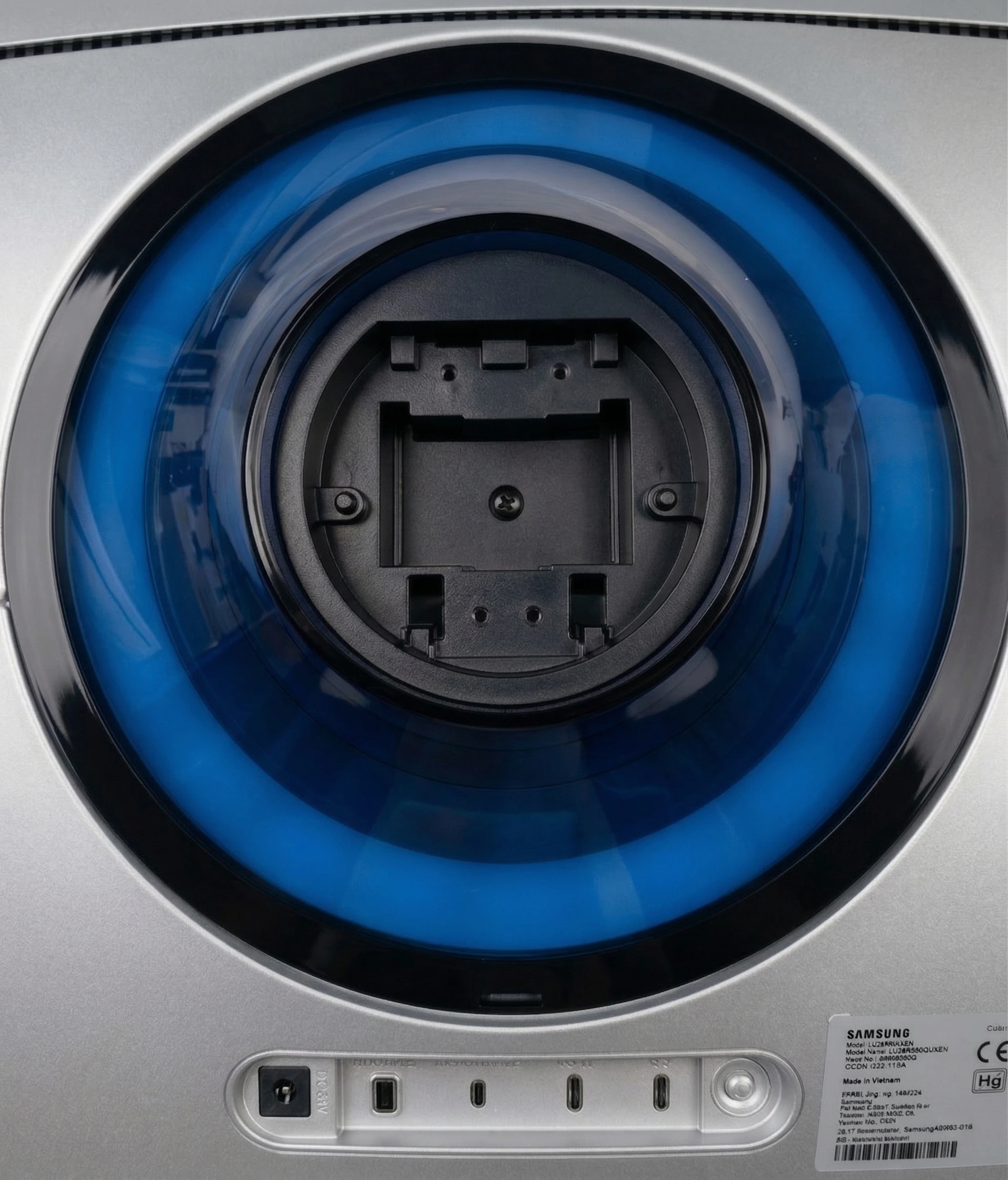
Samsung OLED G8 ⚠ ADAPTER REQUIRED
OLED G8 (34")
VESA: No standard
Choose Adapter >
2

Choose a Heavy-Duty Mount

Due to the extreme leverage effect, Odyssey monitors require specially tested arms:
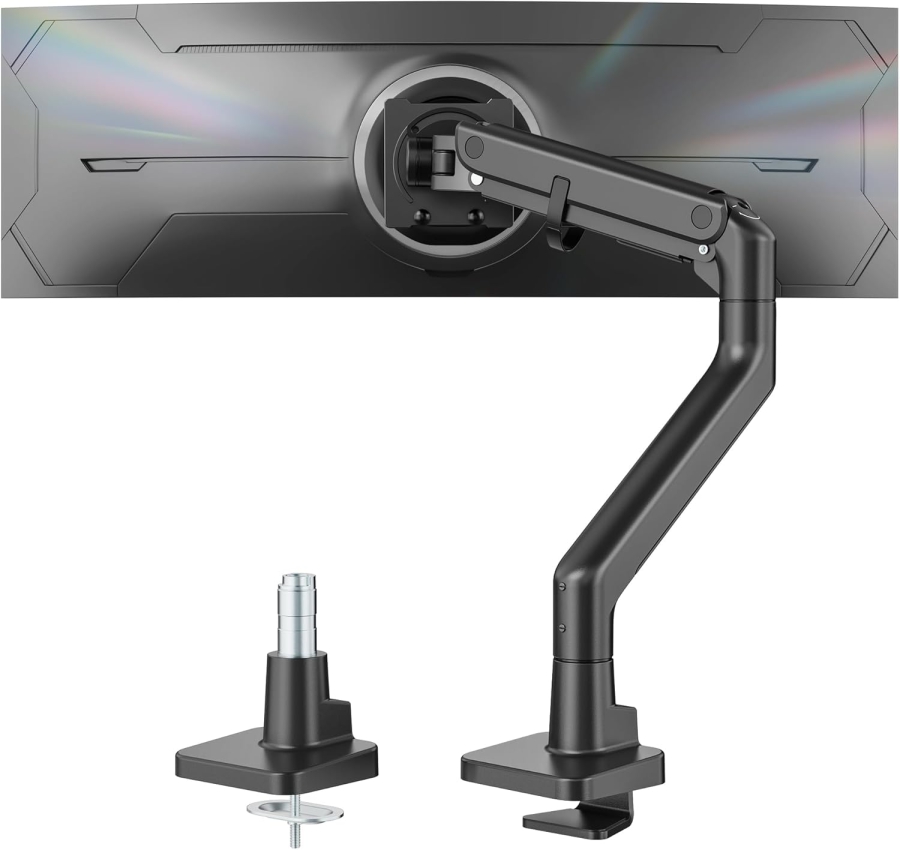
Montek

MONTEK Extreme Gaming Arm

Load capacity: 27 kg | Gas spring | Up to 57"
Complete Setup >
Ares

ARES WING Heavy-Duty Wall Arm

Load capacity: 20 kg | Gas spring | Up to 49"
Complete Setup >
💡
Pro Check: Leverage & Anchors

Swivel arms multiply the load. Use S10 wall plugs (instead of S8) with 8mm screws in masonry. Always mount large panels with two people to avoid screen tension.

Planning a Dual Setup?

Two Odyssey G7 or G9 monitors require a special arm arrangement.

View Dual Solutions

FAQs about the Odyssey Setup

Why is my standard mount often insufficient? +
Standard arms fail due to the leverage effect of the 1000R curvature and high net weight. Conventional tilt joints collapse under the load, making special Heavy-Duty joints necessary.
How do I know if I need an adapter? +
An adapter is mandatory if the VESA holes are deep within a circular recess. Without it, the mounting plate of the monitor arm cannot reach the attachment points.
Which arm fits the 57" Odyssey G95NC? +
You need at least 20 kg load capacity and a mechanically reinforced tilt head. We recommend the MONTEK Extreme Gaming Arm for this model.
Can I mount my Odyssey monitor vertically (Portrait)? +
No, vertical mounting is not recommended for ultrawide models like the G9. The extreme center of gravity shift makes most gas springs unstable in this position.
How do I prevent the "tilt issue" (sagging)? +
Exclusively use arms with mechanically braced or high-strength tilt joints. Cheaper joints cannot hold the torque, and the monitor will permanently tilt forward.
What does 1000R curvature mean for mounting? +
The strong curve shifts the center of gravity far in front of the VESA mount. This creates a massive front-heavy load that requires much higher holding torque than flat displays.
What screws are needed for the VESA adapter? +
Typically, M4 pan-head screws with the length specified in the adapter manual are used. Screws that are too long can damage the panel from the inside.
Is desk or wall mounting better for Odyssey? +
Both are possible as long as the surface is massive enough for the leverage force. Use caution with hollow walls or particle board desks due to high tensile pull.
OLED vs Neo G9 mounting differences? +
OLED G9 models are thinner and lighter, but still need specific adapters for their delicate housing. The Neo G9 series is heavier and less forgiving regarding mount choice.
Can I mount two G9 monitors stacked? +
Yes, but this requires a massive pillar mount or two separate Heavy-Duty wall arms. Total weight and leverage force double at the mounting point.

Your cart
Subtotal: 0,00 €
Fingerprint
Chat on Whatsapp

Sign up to our newsletter

for important news, great offers and insights from the VESA Adapter Team

vesa-adapter.com
vesa-adapter.com
3idee SARL
19, Rue de Bitbourg
1273 Luxembourg
Luxembourg
info@vesa-adapter.com
Live Chat

Support

  • Return
  • Goods not arrived
  • Product damaged
  • FAQ
  • Assembly instructions

Information

  • About us
  • Shipping
  • Privacy policy
  • Our Terms & Conditions
  • Imprint
  • Right of withdrawal

Find it fast

  • Acer
  • AOC
  • ASUS
  • BenQ
  • CSL
  • DELL
  • HP
  • HP Omen
  • Huawei


  • Koorui
  • Lenovo
  • LC-Power
  • MSI
  • ODYS
  • Philips
  • Samsung
  • Viewsonic
  • Xiaomi
© 2026 - 3idee Sàrl
Paypal AmazonPay klarna Visa Mastercard American Express Discover Diners Club Carte Bancaire JCB Union Pay eps iDeal bancontact Przelewy24

Hello, welcome back

Login to manage your account.

Forgot passwort?
No account yet? Register now

Welcome to vesa-adapter.com

Complete the form to create an account

You already have an account? Login

Forgot passwort?

Enter your email address and we will send you an email with your new password.

You remember again? Login